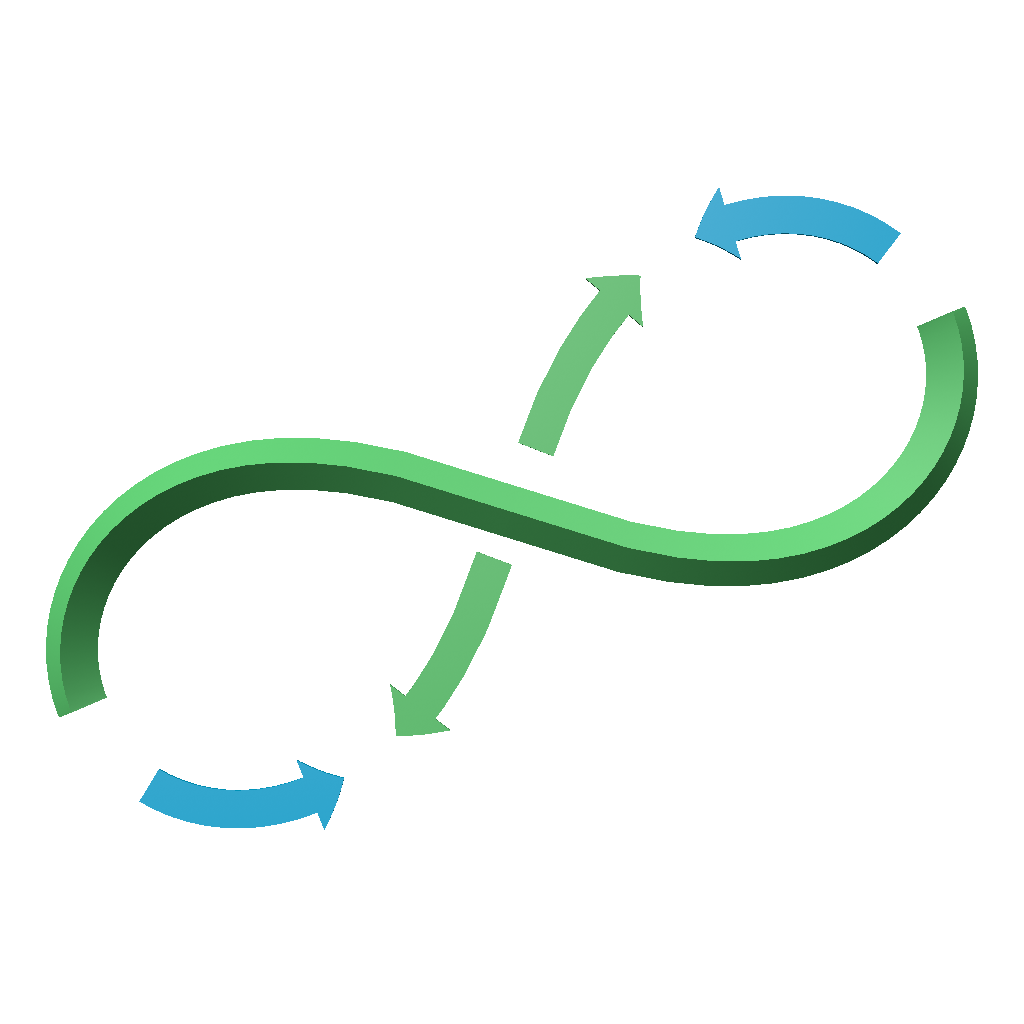
How the animation works#
Grow–Trim range#
GROW sets the end of the visible interval, while TRIM sets its beginning. During normal operation, the visible portion lies between these two values.
Examples:
Grow |
Trim |
Result |
|---|---|---|
100% |
0% |
The full range. |
50% |
0% |
The first half of the growth. |
80% |
30% |
The middle portion of the range is visible. |
100% |
100% |
An empty range. |
INVERT_TRIM keeps the area outside the selected interval. The result may therefore consist of two separate chains.
Global and local time#
First, the global Grow and Trim values are converted to the time range of each segment group. Geometric trimming is then performed within each segment.
SPEED_MOD controls this conversion:
- TIME
Each group receives the same share of time regardless of its length.
- LENGTH
Time is proportional to the total length of the segments in the group.
- MIX
Interpolates between TIME and LENGTH.
SPEED_MIXsets the blend amount.
OVERLAP lets the next group start before the previous one finishes.
Anchor and Symmetry#
With SYMMETRY = ON, the Anchor lies within each segment and growth can proceed in both directions.
With SYMMETRY = OFF, one-way trimming is used. The algorithm switches to CLOSE for closed modes and to OPEN for open modes.