
Anchor Sort#
Anchor Sort calculates the starting position within each segment.
ANCHOR MODE#
- BASE
The start of the segment, taking Direction and Anchor Offset into account.
- REVERSE
The opposite end of the segment.
- AXIS
Selects the Anchor at an extreme along the primary
AXIS.
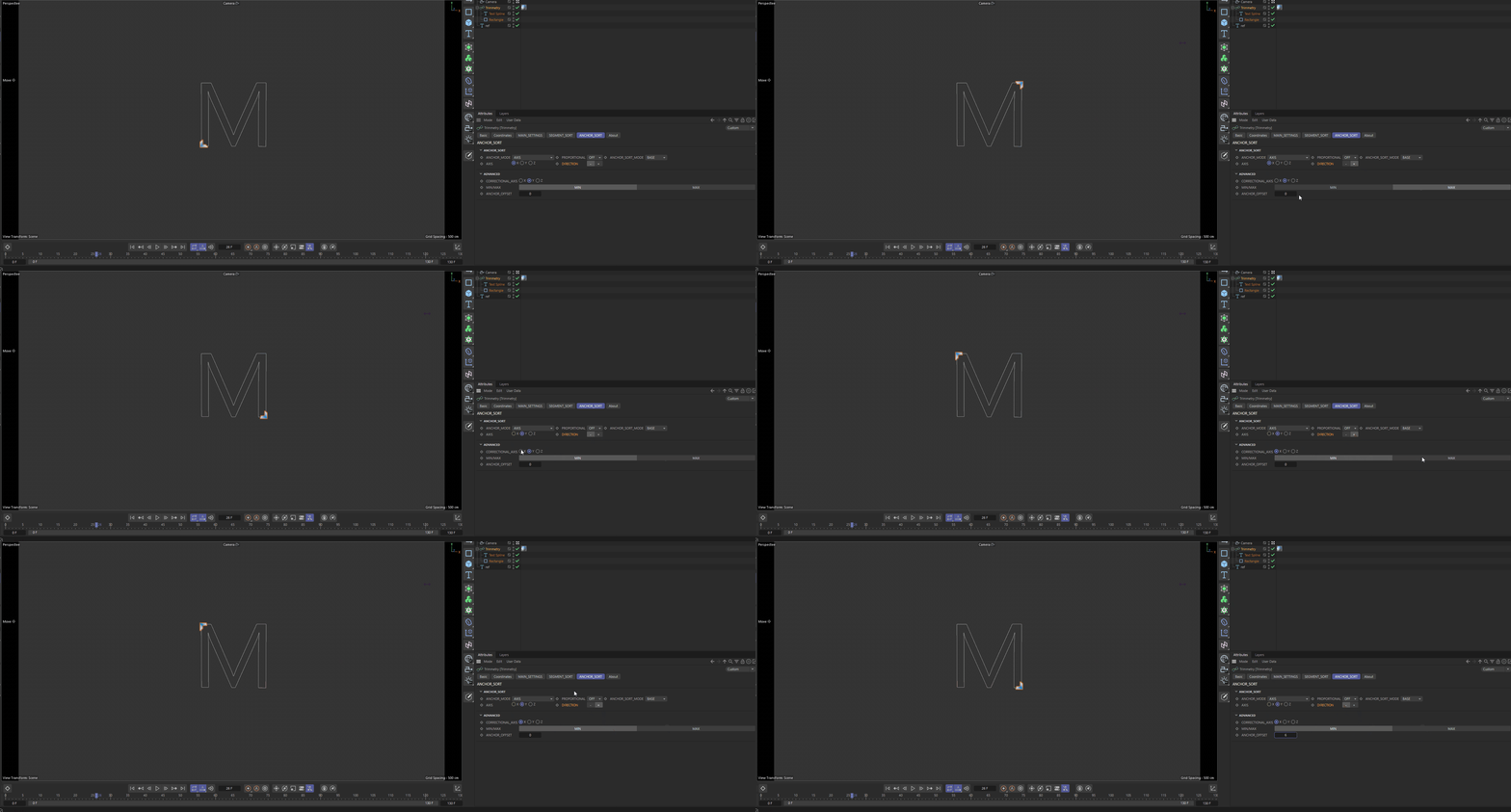
- MIN/MAX
Selects the minimum or maximum extreme along the
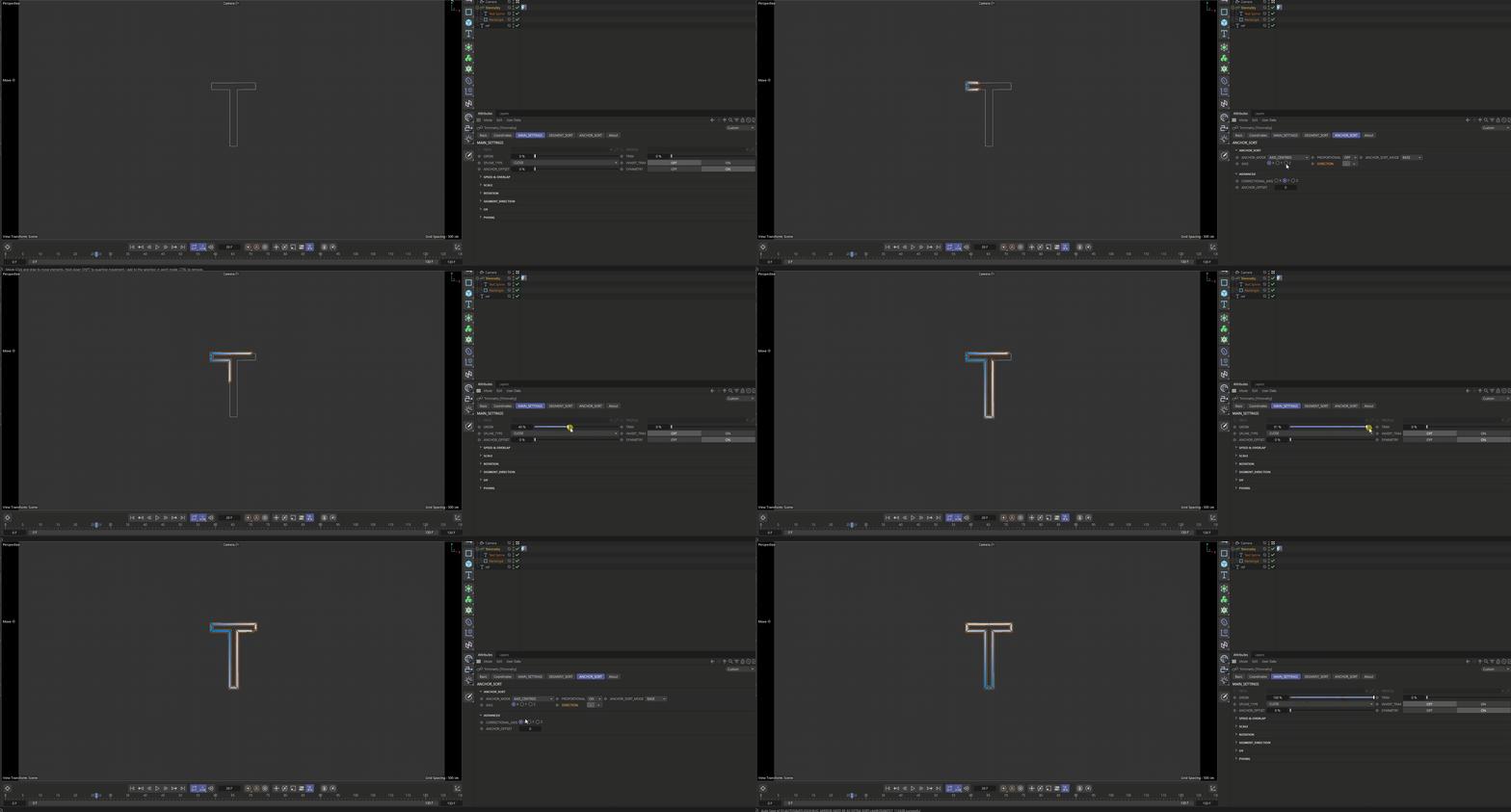
CORRECTIONAL AXIS.- AXIS CENTRED
Places the Anchor relative to the common center plane of the selected axis, creating a symmetrical reveal across the segment set. In simple terms, it finds extremes along the primary
AXISand, when there are several, uses their average position along theCORRECTIONAL AXIS.
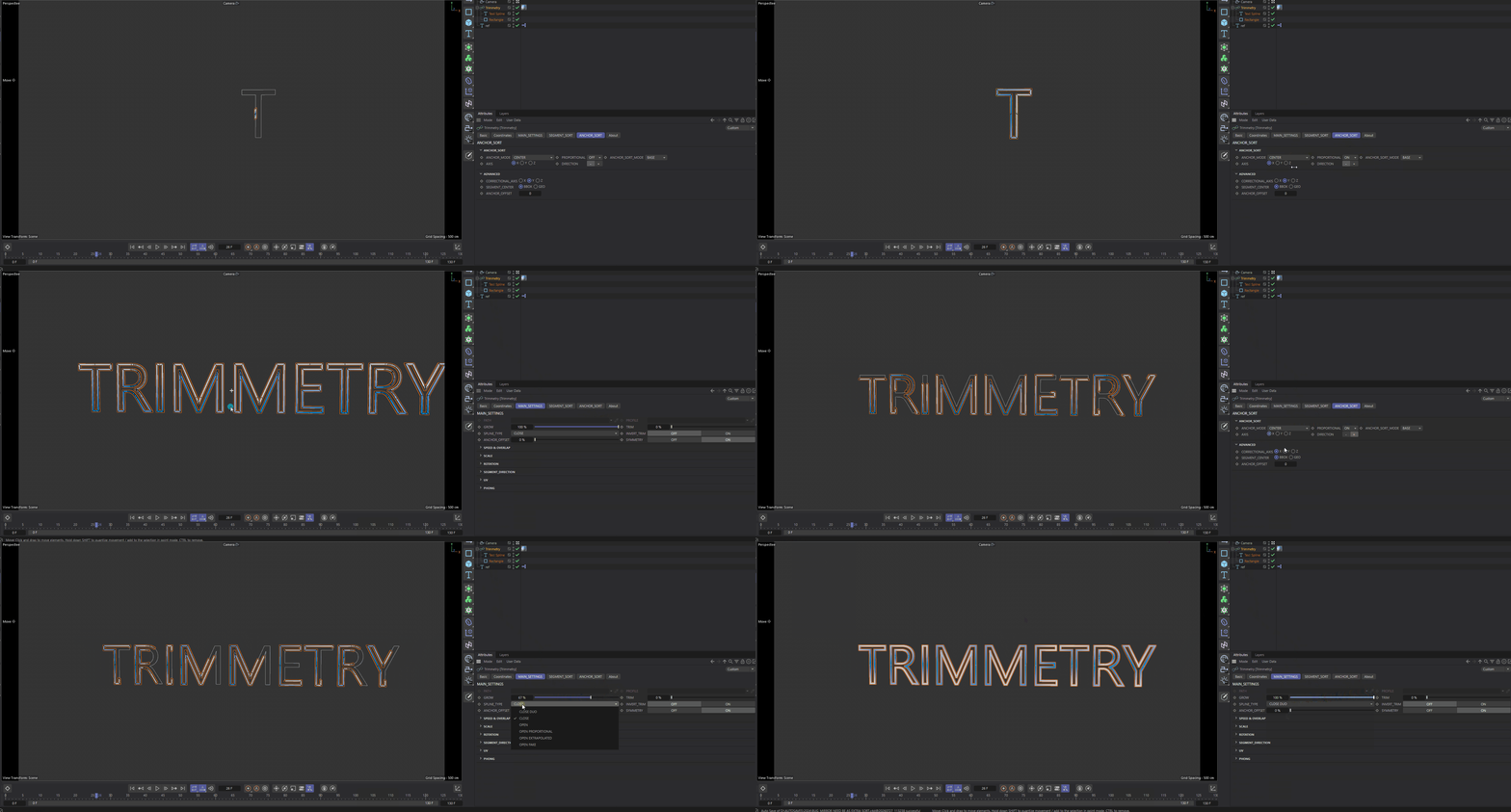
- CENTER
Finds a position relative to the overall center of the set.
SEGMENT CENTERdefines how each segment center is calculated.
- DISTANCE TO OBJECT
Finds the Anchor relative to
REF OBJECT.DISTANCE MODEselects the exact method.
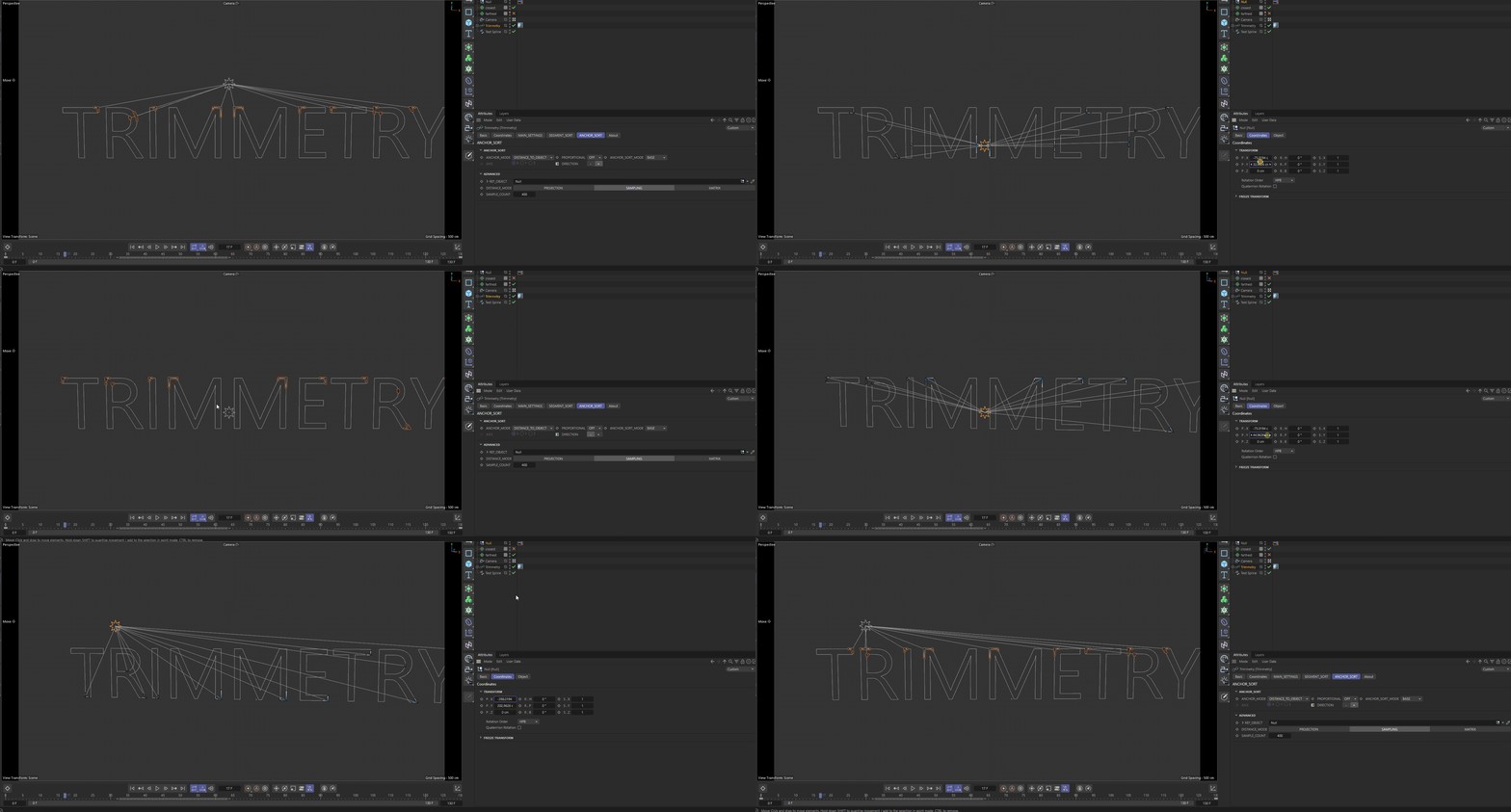
- DISTANCE MODE
- PROJECTION
Projects the reference object’s position onto the geometric direction of the segment.
- SAMPLING
Samples the curve and finds a suitable point.
SAMPLE COUNTcontrols the accuracy.- MATRIX
Selects the nearest or farthest of the segment matrices that have already been built.
- CIRCLE
Calculates a radial direction from the overall center and selects the Anchor relative to the circular layout.
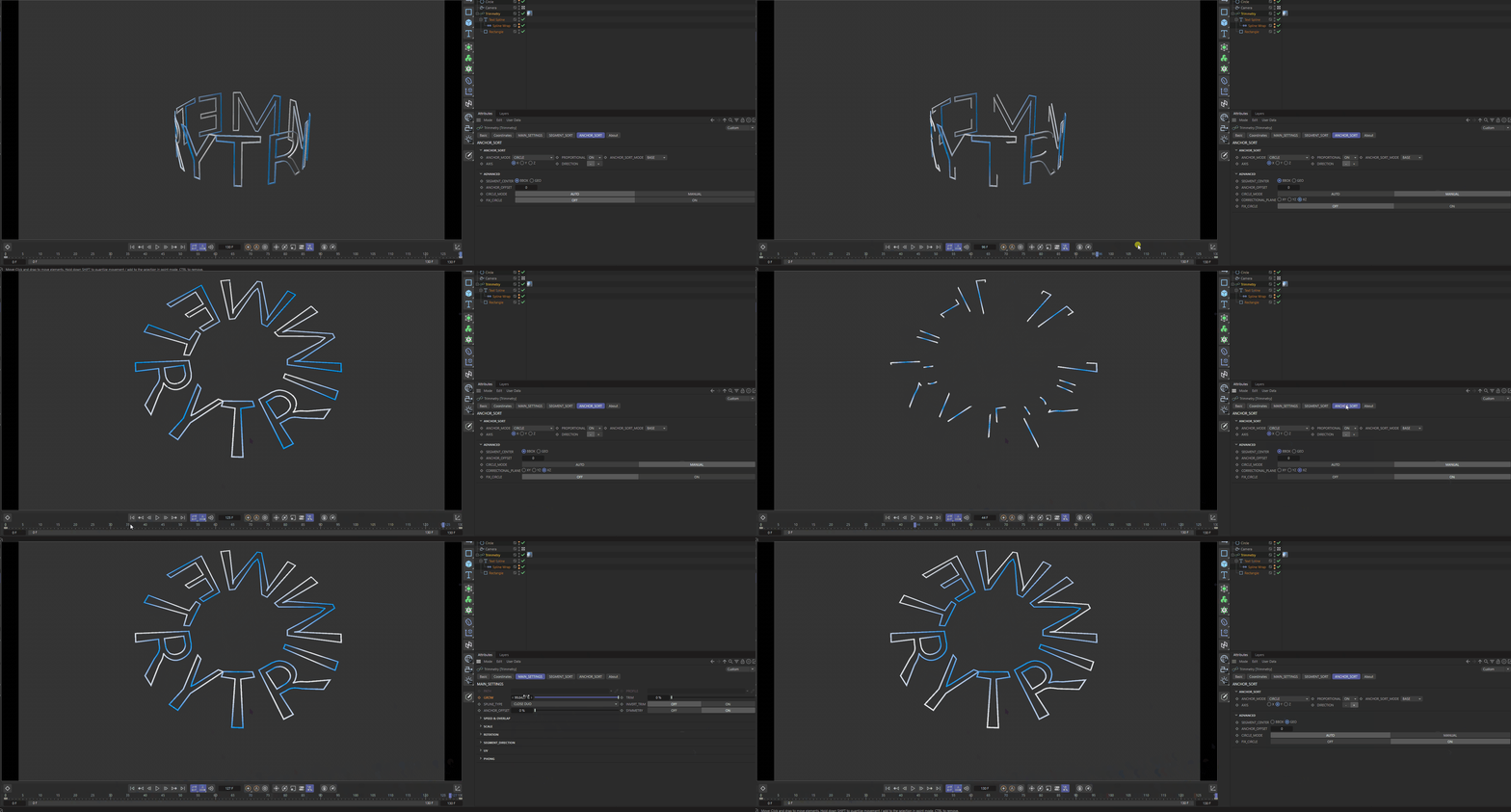
- CIRCLE MODE
AUTOdetermines the working plane from the majority of segment directions.MANUALexposes theCORRECTIONAL PLANEparameter.- CORRECTIONAL PLANE
Manually selects XY, YZ, or XZ for
CIRCLEmode.- FIX CIRCLE
Toggles additional radial-orientation correction, mainly for segments arranged radially in a 2D plane.
- SPLINORA
Uses
REF OBJECTas a custom cut position.MIX CLOSEDcan blend this special cut with the regular closed mode.
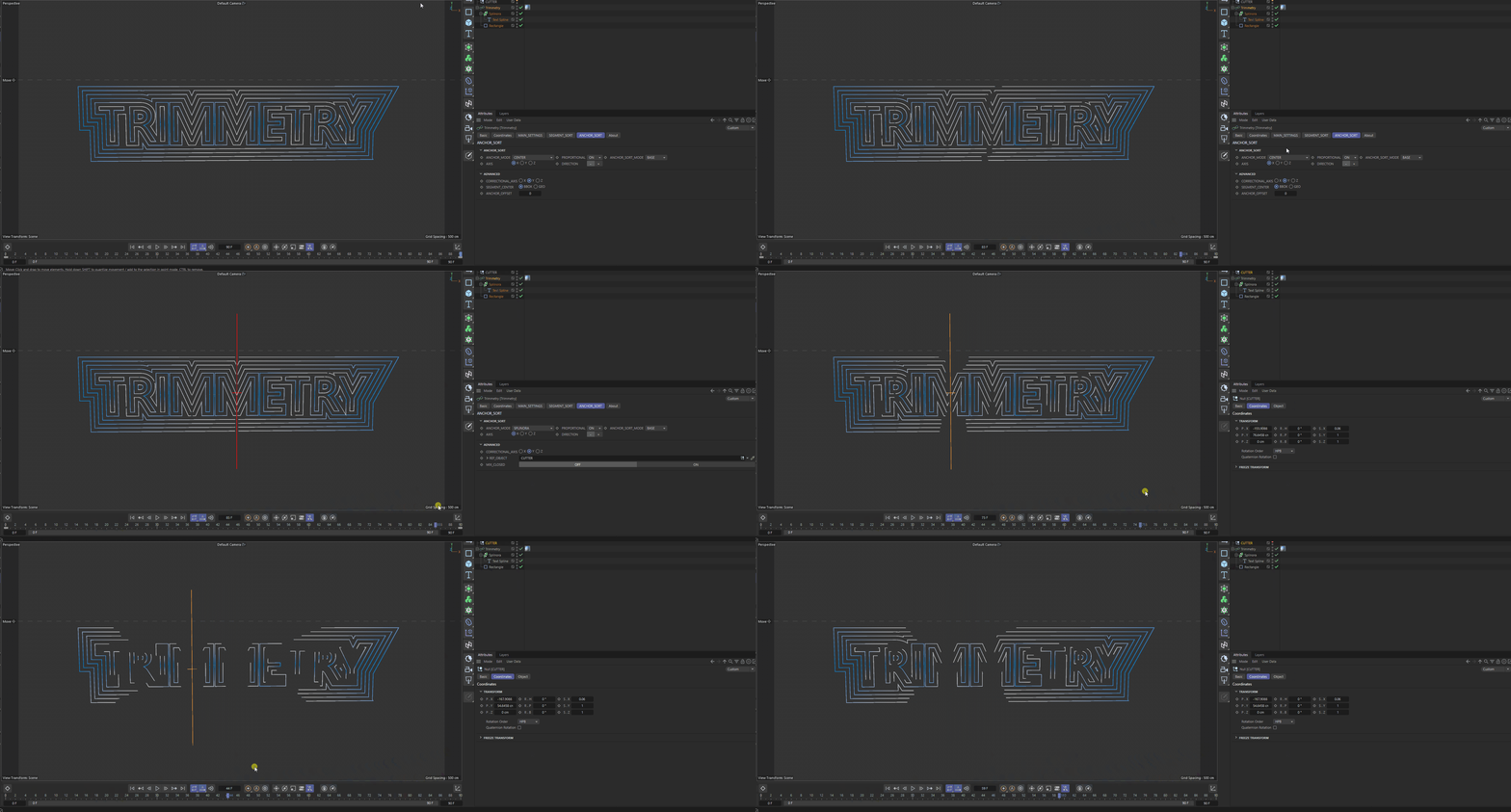

- MIX CLOSED
Segments that intersect the
REF OBJECTcut use SPLINE_TYPE inCLOSE_DUOmode; all other segments use regularCLOSE.
PROPORTIONAL#
When ON, the left and right sides receive factors calculated from the available length around the Anchor. This helps both sides finish growing together. When OFF, an even 0.5 / 0.5 split is used.
ANCHOR SORT MODE#
- BASE
Base direction.
- HALF
Reverses the direction for the second half of the segment list.
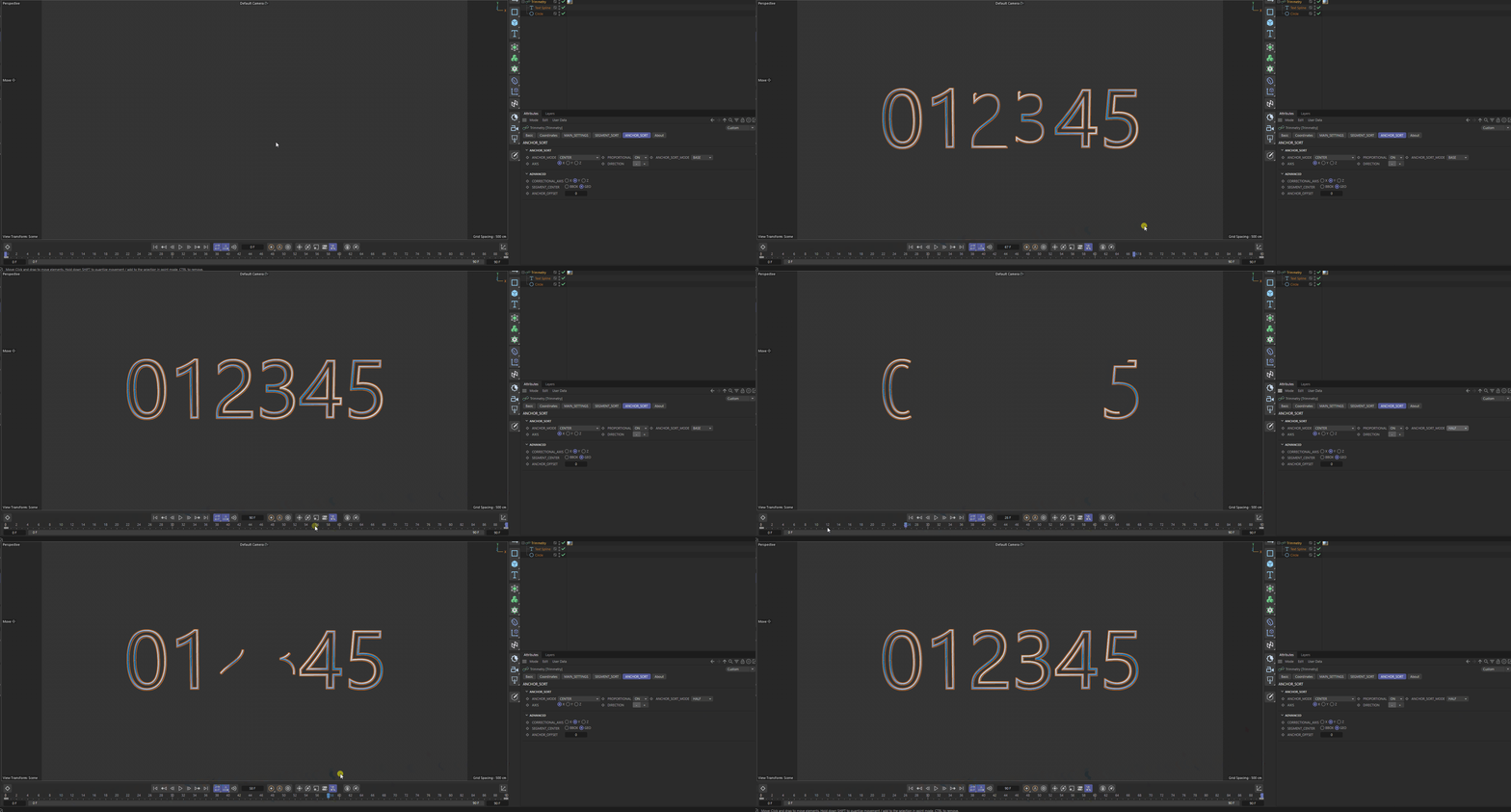
- MOD
Alternates the direction by segment index, following the same principle as
mod(id; 2).
Note
IMPORTANT: ANCHOR_SORT_MODE BASE, HALF, and MOD use the original segment indices. Reordering and grouping from SEGMENT_SORT are therefore ignored. Support for that behavior may be added later. To reproduce BASE and HALF behavior with custom indexing, use ANCHOR_SORT_MODE MIRROR (see its description).
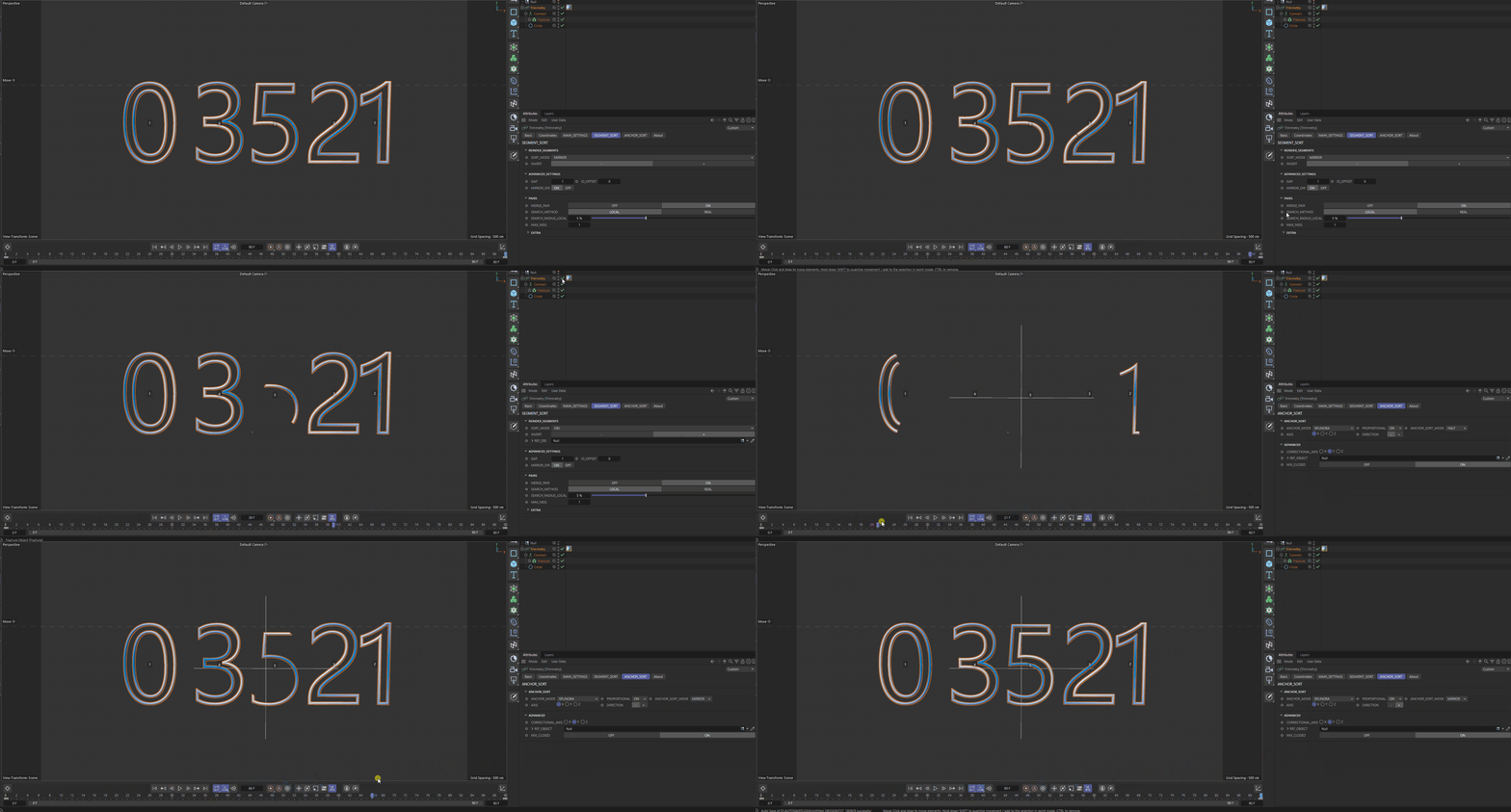
- MIRROR
Only used together with ANCHOR MODE
SPLINORAand a connectedREF OBJECT. It uses a mirrored direction pattern for symmetrical sets. The example below reproduces the behavior of Segment SortMIRRORwith ANCHOR_SORT_MODEHALF.
AXIS and DIRECTION#
AXIS selects X, Y, or Z for axial and center calculations. DIRECTION changes the selected side or the nearest/farthest interpretation in modes where it applies.
ADVANCED#
- CORRECTIONAL AXIS
The secondary axis used to construct the correct orientation. In some cases it may match the primary
AXIS.- SEGMENT CENTER
BBOXuses the center of the segment’s bounding box;GEOuses the average position of its samples.- ANCHOR OFFSET
An additional discrete selection or offset within Anchor modes. Do not confuse it with the global
MAIN SETTINGS → ANCHOR OFFSET.